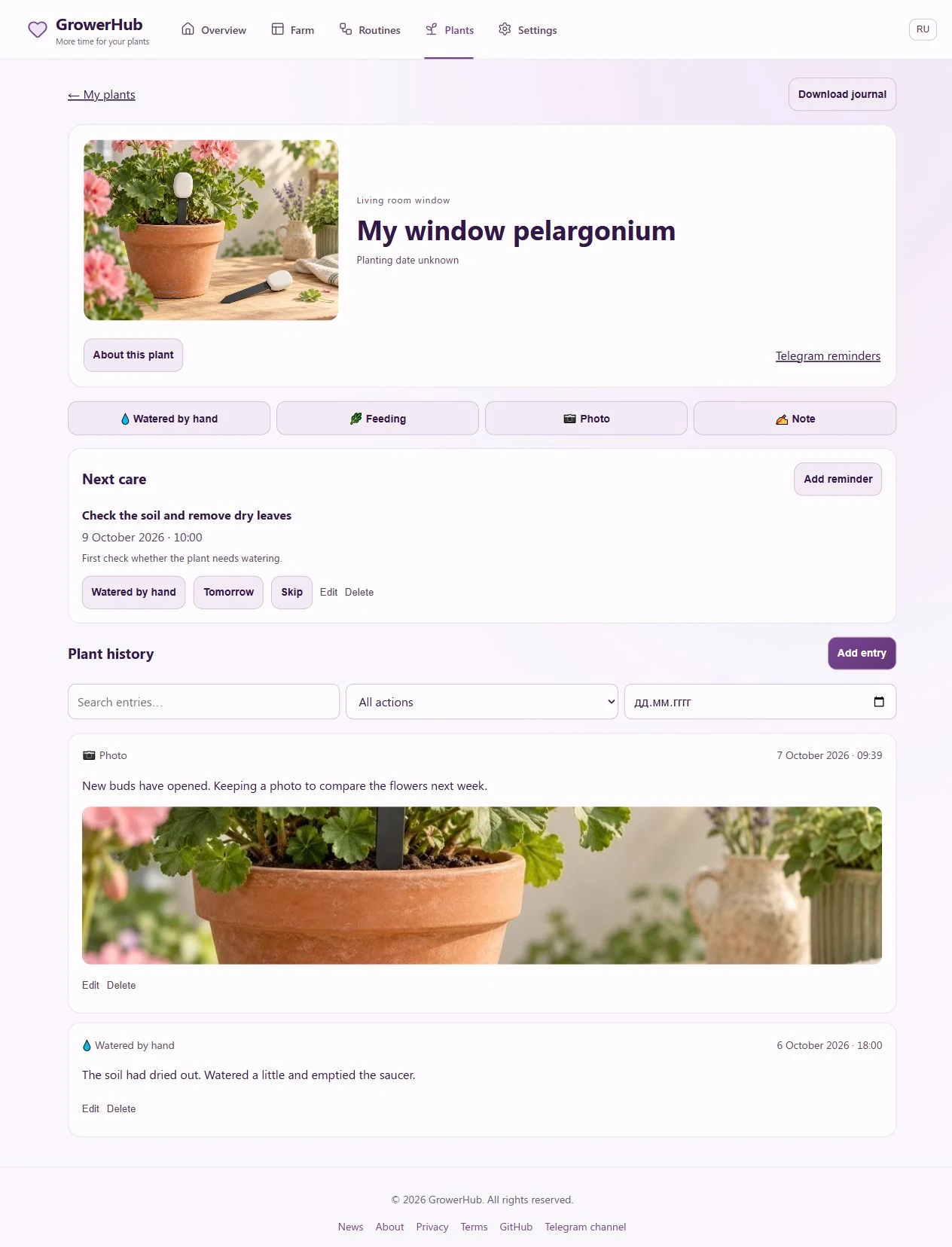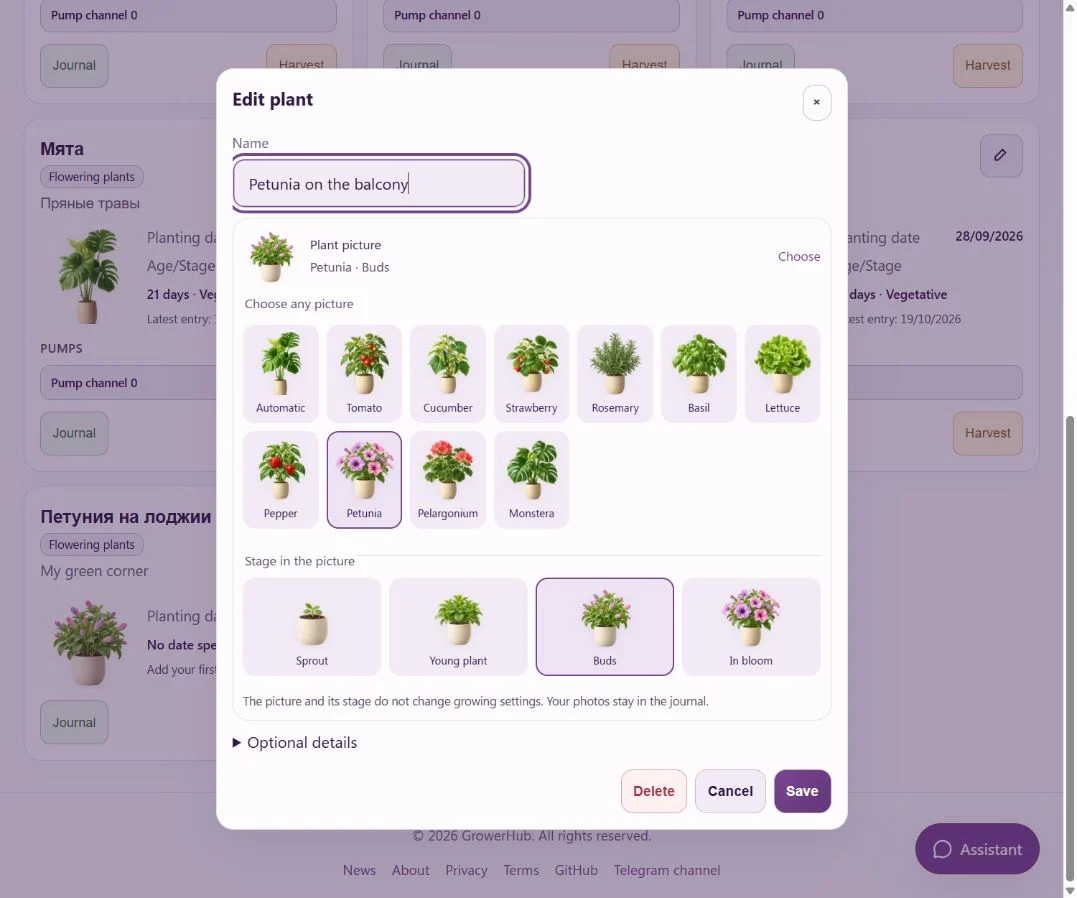
A picture for every plant, from sprout to harvest
Ten plants, forty illustrations and clear names: choose a picture for your tomato, favourite flower or rosemary and change it as your plant grows.
Plant journals, watering records, observations, charts, and careful data-informed approaches to plant care.
Ten plants, forty illustrations and clear names: choose a picture for your tomato, favourite flower or rosemary and change it as your plant grows.
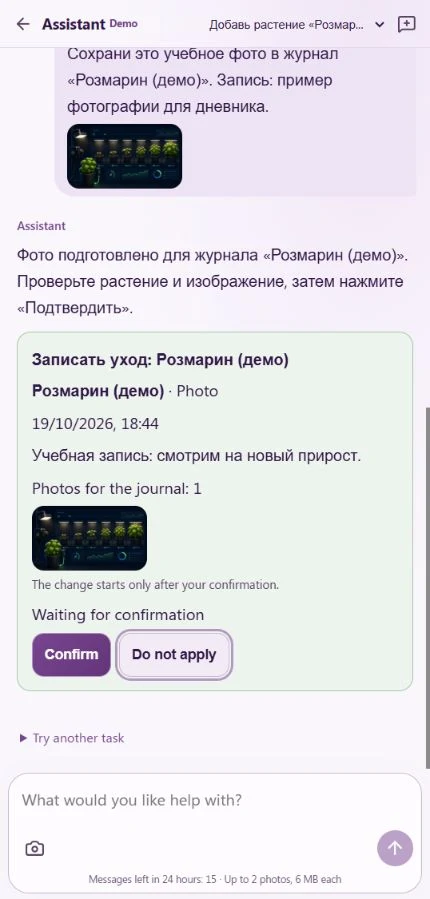
Add a rosemary plant, move it to another greenhouse, save a Telegram photo or find a previous feeding record in everyday words, with a review before saving.
Ask for watering every two days, split it into pulses and review the dates before enabling it. The redesigned chat leaves more space for the conversation.
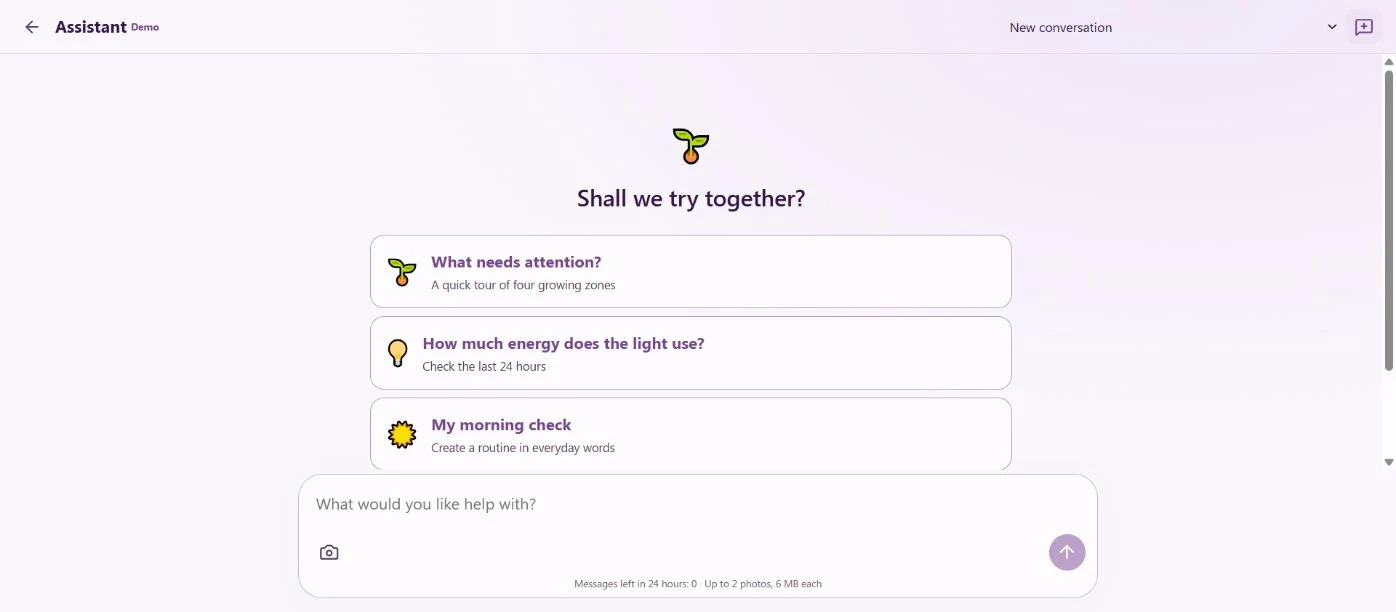
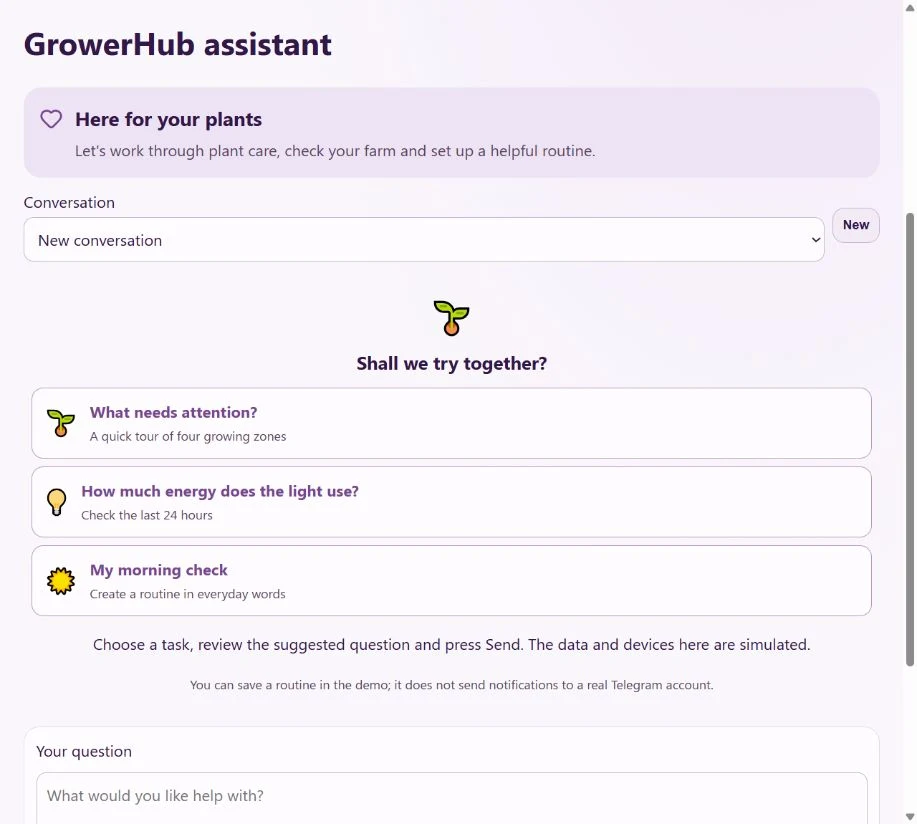
Review your farm, discuss plant care and prepare a useful schedule in one chat. Every change is shown to you for confirmation first.
Three ready-to-use tasks to try without equipment. Explore a day of readings and send the team a request for a feature you need.
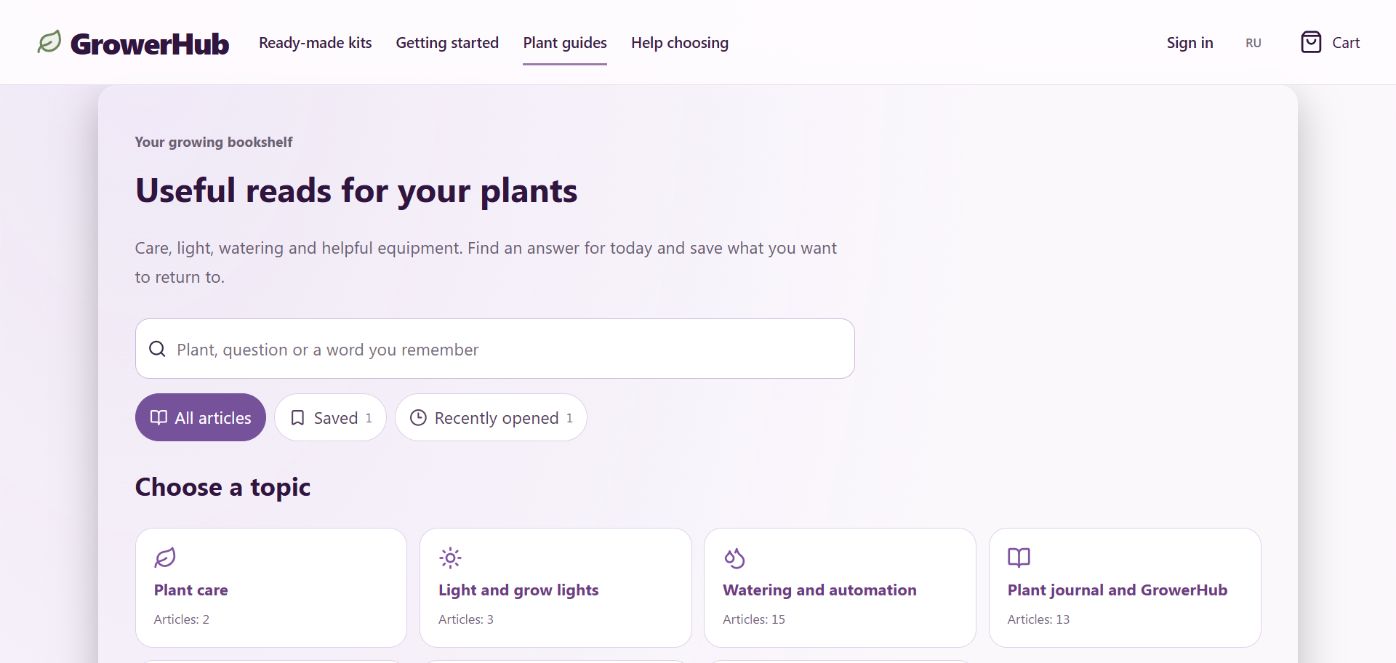
Browse topics, search for a word you remember, save favourites and return to recently opened articles. Build your reading shelf without an account.
Keep your plants, photographs and care notes together. Plan tasks and receive Telegram reminders without sensors, a coordinator or automation setup.
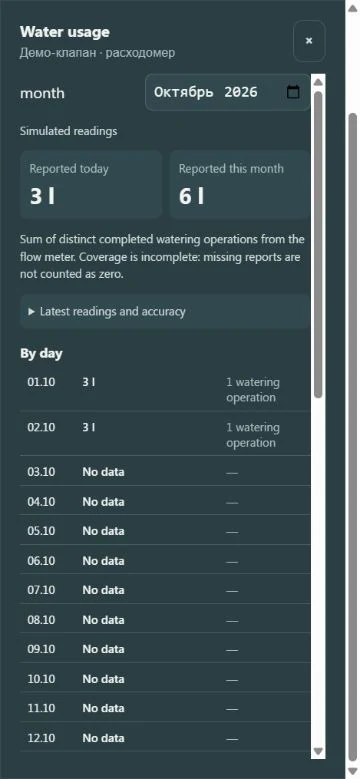
A metered valve reports litres. GrowerHub groups completed irrigation reports by day and month and shows where coverage is incomplete.
Try a plant journal in GrowerHub without hardware: photos, reminders, watering history, partial harvests and a downloadable Markdown record.
How to take photos of plants so that the pictures help analyze growth, light, watering and care errors.
How to look at graphs of temperature, humidity, light and watering so that you find patterns, rather than reacting to every peak.
What data does the care advisor need to make a watering recommendation understandable: humidity, trend, history, limits and growth stage.
How to build a weekly rhythm of care so as not to pull the plants every day and at the same time not to miss important changes.
How to summarize the growing cycle according to GrowerHub: water consumption, microclimate, photos, yield, errors and solutions for the next cycle.
How to read a soil moisture graph, distinguish dry substrate from overwatering, and check the conclusions by inspecting the plant.
What data about water, pH and fertilizing should be recorded so as not to complicate care and at the same time see the cause of the problems.
How to take into account the stages of growth in care: seedlings, active growth, recovery after transplantation, flowering and fruiting in neutral crops.
Download a one-page A4 watering log. Record date, plant, water volume, reason and feeding; see a filled example and try a virtual watering history.
A useful plant log connects an action, the surrounding conditions, and the result. Start with consistent records of watering, plant condition, and a small set of measurements collected in the same way.
Log watering, maintenance, setpoint changes, and the plant response you can actually observe.
Store date, volume, pH, and nutrients only when those values are genuinely measured.
Look for repeatable changes before and after an action instead of explaining a plant from one data point.
| Situation | Where to start | Why |
|---|---|---|
| Watering dates or volumes are easy to forget | A short entry after every action | A consistent event sequence is more useful than occasional long notes. |
| You want to compare two grow cycles | The same fields and checkpoints in both cycles | A comparison only works when measurements are collected consistently. |
| A chart suddenly changes | Sensor freshness and the change log | Rule out a measurement fault before attributing the change to plant care. |
Add a plant, a photo and your first observation. The journal and reminders work without hardware; sensors can be added later.