First growing shelf
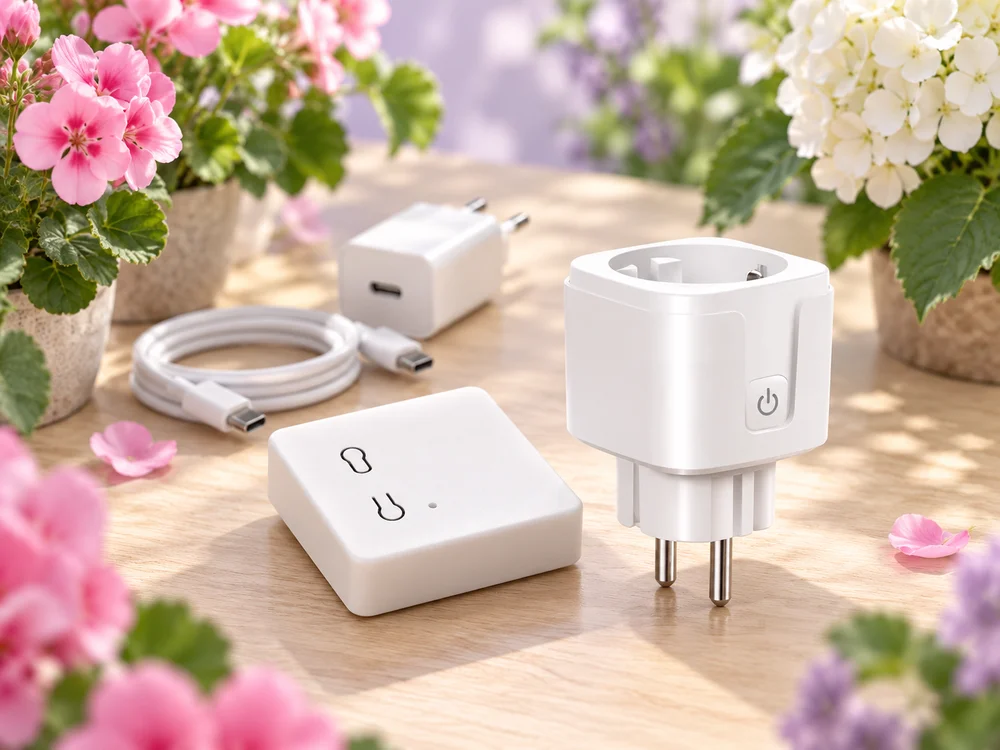
An affordable start: control a light, watering pump or fan through one smart plug.
For people who love growing
Lighting, watering and ventilation in one app. Set up automations, follow soil conditions and see electricity use. We will help you choose and connect the equipment.

Explore the app without signing up or buying anything
An affordable start: control a light, watering pump or fan through one smart plug.
Light, watering and ventilation — or three growing shelves. Give each appliance its own scenario.
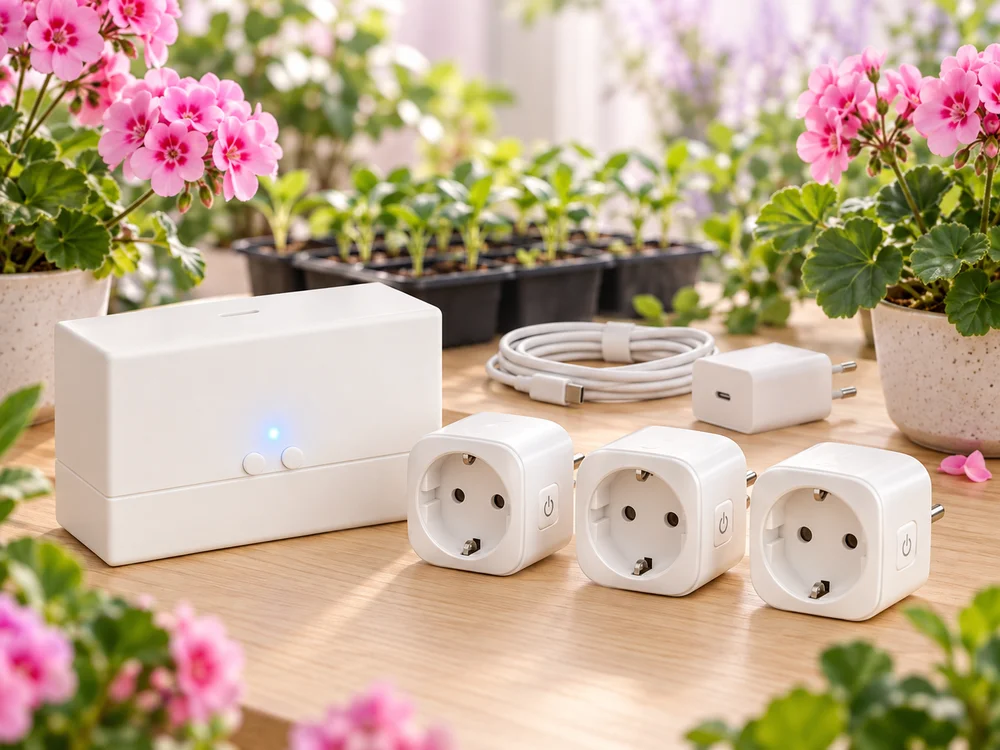
Choose suitable plugs for your lamps, extractor fan and other appliances. Add a sensor or pump separately.
Order a soil sensor or pump separately, or add them to a kit. Emitters and hoses are optional with the pump.
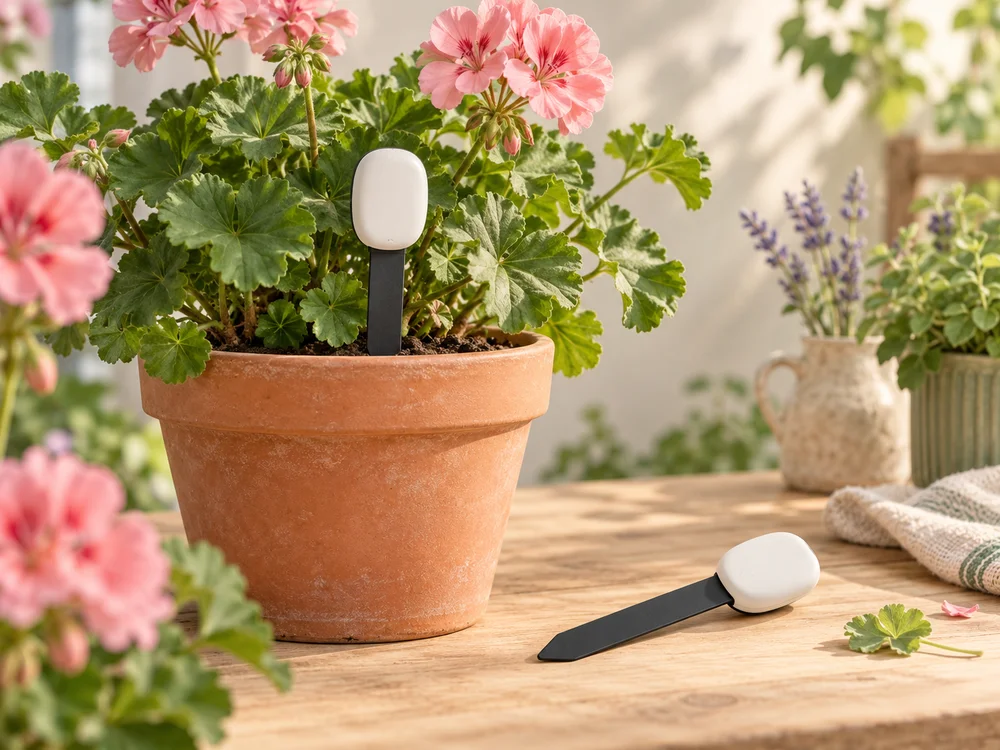
See how moisture changes in the pot and choose when to water using readings and history.
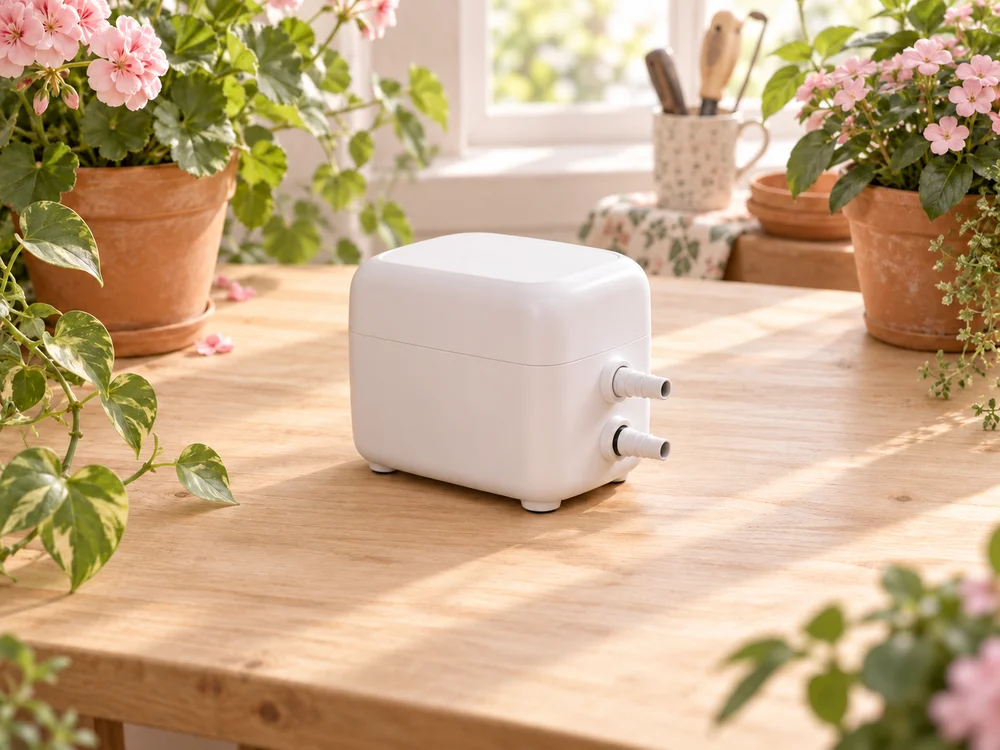
Wi-Fi without a Zigbee hub, or Zigbee — choose the connection that suits your setup.
Controlling devices requires home Wi-Fi with an internet connection.
We will help you choose equipment and discuss the first setup by phone. With a PushOk kit, connect the hub to your Wi-Fi using Upravlyator, then link it to GrowerHub. A step-by-step guide and connection help are included.
We will call to discuss the contents, compatibility with your appliances, first setup and delivery. Kits are assembled after order confirmation. There is nothing to pay on the website. Enter the code and address of your chosen CDEK pickup point yourself.
No. Open the demo farm without signing up to explore the app and change settings on virtual devices. You can choose your hardware whenever you are ready.
Lamps, extractor fans, compatible pumps and other appliances. Automations help manage their operation in one place. When confirming the order, we will match plugs to their loads and agree on water delivery and run limits for any watering setup. GrowerHub and the PushOk cloud need internet access.
Yes, if the plug provides those measurements: GrowerHub can show power and energy history. This helps compare device use across days and notice changes. We will check the model's capabilities when choosing it with you.
Yes. A soil sensor costs 499 RUB, our pump on its own costs 1,999 RUB, and the pump with 20 drippers and tubing costs 2,499 RUB. Add them to your basket separately or with a kit. The pump supports Wi-Fi without a Zigbee coordinator or Zigbee. We will discuss the contents and first setup by phone; a coordinator is not included with the pump or watering kit.