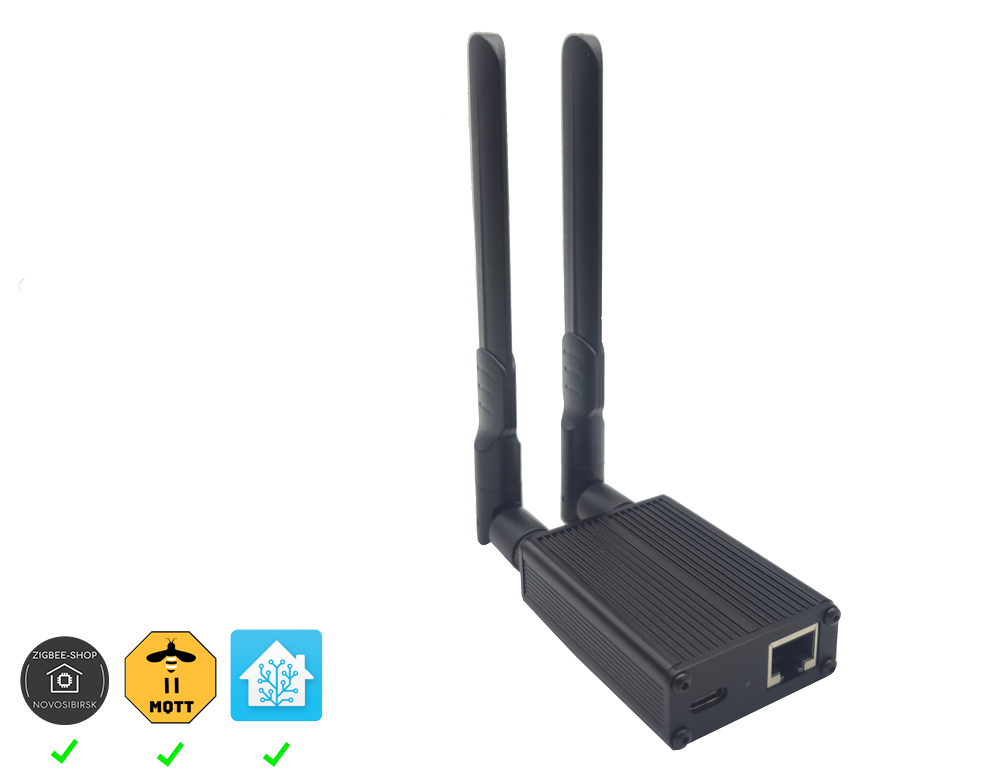
Without a separate computer, start with PushOk and one device. The cloud route was tested on POK100v2. USB coordinators and ZS-EHT need an always-on computer running Zigbee2MQTT. If that network already exists, keep your hub.
You do not need an expensive branded kit to get started. Choose an option that suits your budget and make sure the listing says Zigbee rather than Wi-Fi or Bluetooth. Search links are neutral, have no affiliate tags, and availability varies by country and seller.
PushOk: a simpler start without Home Assistant
The pilot is available in the app. Cloud pairing, readings, on/off control and reconnection were verified on POK100v2 with firmware 95 and a Zbeacon TS011F plug. Other hubs, sensors and functions need separate checks; we do not claim support for every Zigbee device.
Each card distinguishes equipment used in the GrowerHub installation from models recommended through official Zigbee2MQTT compatibility. A successful check is not a blanket guarantee for every white-label revision of a model.
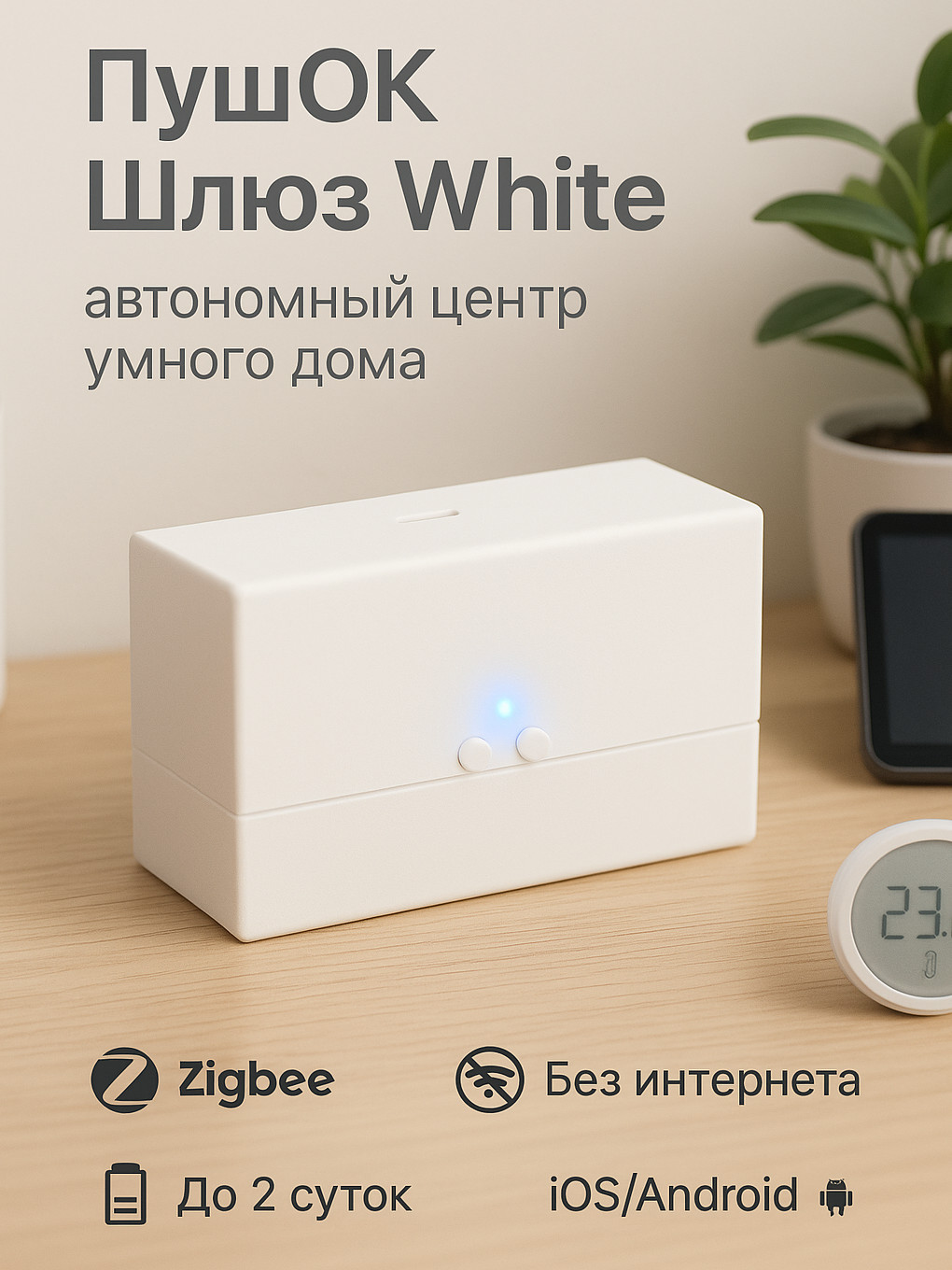
Manufacturer image. Confirm the POK100v2 revision before buying; check the label or Upravlyator.
Cloud pilot · one unit tested
PushOk POK100v2
Start without a separate computer
1 October 2026: POK100 — RUB 2,505; POK100X1 with SD card, battery and power supply — RUB 3,560. Manufacturer listings; sensor and delivery are extra. Check availability in your country.
You need a phone with Upravlyator, home Wi-Fi with internet and one device. Connect in GrowerHub using the hub ID and two button presses. No Home Assistant, separate computer or MQTT setup is needed.
For a first chart, add one temperature/humidity sensor. Discuss its exact model before buying: sensors still need a separate trial through this cloud route. Check the hub power supply and sensor battery in the listing.
GrowerHub was tested on POK100v2, firmware 95 and a Zbeacon TS011F plug for readings, on/off control and reconnection. This does not establish support for every revision or approval for automatic watering.
Mini POK101 is cheaper at RUB 1,630 on the same date, but its GrowerHub connection has not been tested separately. Existing owners can discuss a pilot without buying another hub.
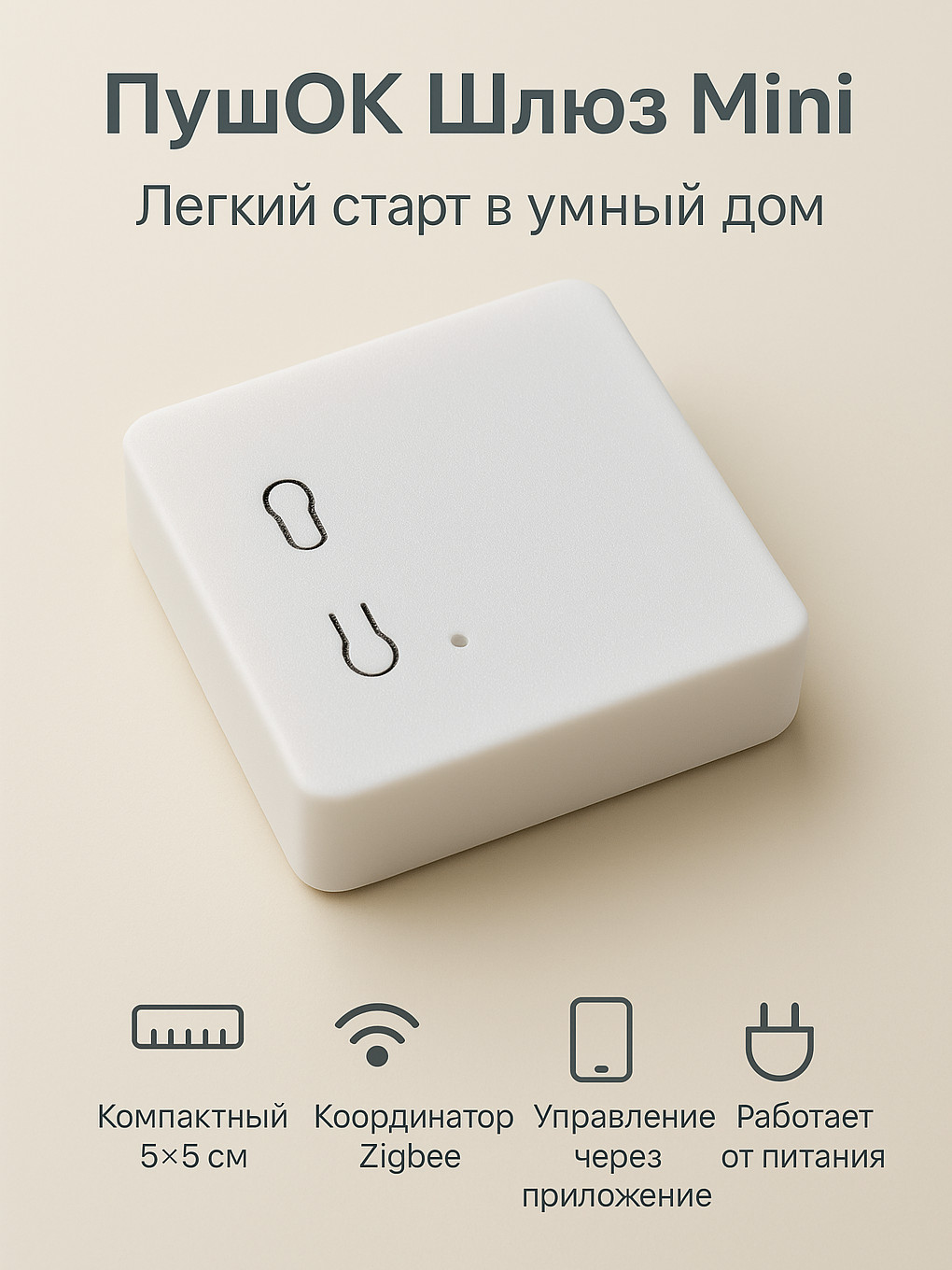
Manufacturer photo. Mini has not yet been physically verified with GrowerHub.
Pilot · physical check pending
PushOk Mini POK101
Compact hub for one lighting zone
The most affordable hub in our first-shelf kit. A phone and home Wi-Fi with internet are required. We test Mini and the specific plug revision before confirming supply.
Mini does not have the White model’s signal amplifier. Actual coverage depends on placement.
The prepared kit includes a power supply and cable; lamps and shipping are separate.