As your plant collection grows, a single schedule may stop being convenient. One shelf needs watering tomorrow, another every other day. Sometimes water also needs time to soak in: run the pump, pause, then continue.
Describe this to the assistant. It builds a routine from a schedule and actions, then shows what will happen before you save it.
Try it on the demo farm first
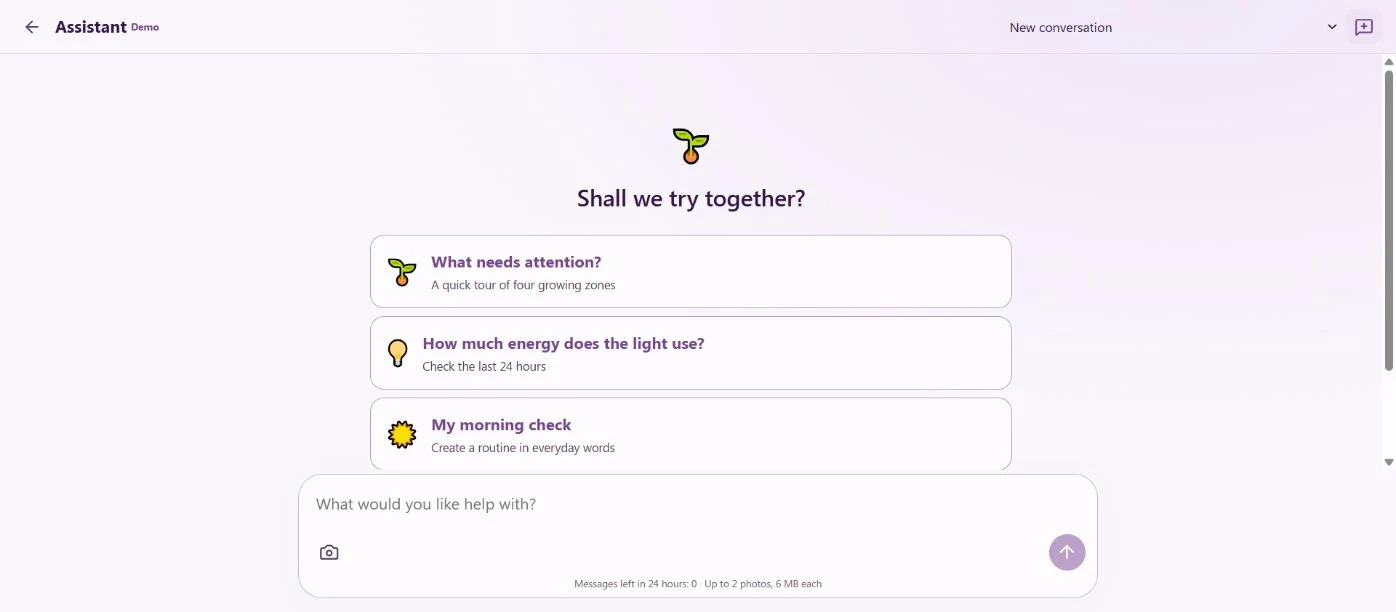
Open the assistant on the demo farm. The message box stays at the bottom, with photo attachment and send controls inside it. Conversation selection and the new-chat button share a compact header. The history scrolls separately.
Try this request:
Find a greenhouse with a ready pump on the demo farm. Prepare watering every two days, starting tomorrow at 16:00 in my timezone. Give the pump eight minutes of total running time in three-minute pulses, with five-minute pauses. Save the routine disabled and show me the plan.
The assistant reads the devices and timezone first. If equipment or timing details are missing, it asks. Preparing the card does not operate devices.
Eight minutes of watering can take eighteen minutes
For this example, the plan is:
- Run the pump for three minutes.
- Wait five minutes after it stops.
- Water for another three minutes.
- Wait another five minutes.
- Water for the final two minutes.
That gives eight minutes of pump running time and an eighteen-minute cycle. Device confirmations may add a small delay.
Review the greenhouse, total dose, pauses, next dates and the disabled state before confirming. Select Open routine below the saved proposal to see its details in the right greenhouse.
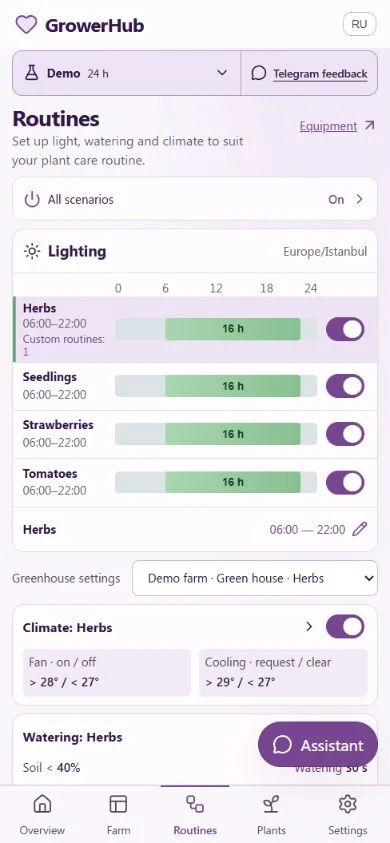
To find it later, open Routines, scroll down and select a row under Custom routines for the greenhouse you need. All custom routines stay visible, regardless of the greenhouse selected above. The name, schedule and status are visible immediately; dates, stages and history are inside. You can also ask the assistant where to find a routine and get a link.
Every two days or every 48 hours?
To keep the same local time, ask for “every two days at 16:00”. For an exact elapsed interval, ask for “every 48 hours from the first run”. These differ in regions that change clocks. The assistant uses your account timezone or the one you specify.
You can repeat a routine after several days or weeks. If an enabled routine already controls the pump, choose which one should remain before enabling the new one. A disabled draft gives you time to review it.
What happens after an interruption?
By default, a late start is skipped, so missed waterings do not accumulate and run back-to-back when the system returns. If you want the most recent missed occurrence to run once, ask explicitly and review the card.
An ongoing pulse-watering operation has its own saved session. After a backend restart, the system finds that session and resumes tracking its result. The next action waits for watering to finish. A manual stop or failure ends the sequence; an unknown command result is not blindly sent again.
Moving the routine to your own plants
The demo uses simulated devices. A real growing area needs a connected pump or valve that supports the chosen mode and bounded duration. Continuous pulse time, total dose and daily watering limits are checked separately.
Start with your usual dose, check water delivery and hose routing, then choose the schedule. Equipment is not required for care records or reminders: the assistant can prepare a morning leaf check or a reminder to inspect rooting cuttings.
If a needed action is unavailable, the assistant can show a feature request for the team. It sends the request after your confirmation, and you can ask about the decision in the same chat.