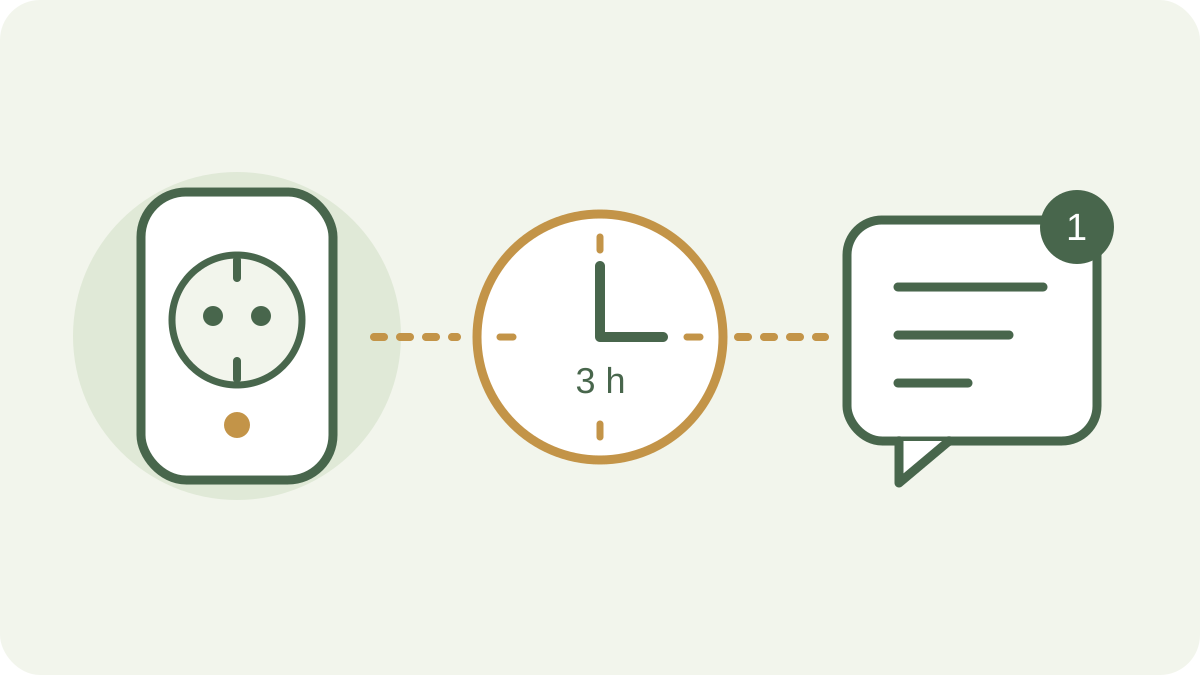
A long gap in messages from a lighting socket is a reason to check its power and connection. GrowerHub can prepare a routine that queues a Telegram alert after three hours without live messages.
The assistant shows the socket, waiting period and message before saving. You confirm the routine and choose when to enable it.
Prepare the socket and Telegram
Assign a supported socket to the Lighting slot of the relevant growing area in your farm. The timer needs at least one live message from the device. The farm and growing area must be enabled.
Open notification settings, link your personal Telegram chat, return to GrowerHub, confirm the selected profile and enable notifications. Use your own account for this feature.
Ask the assistant to prepare the routines
Open the assistant and describe what you need.
Prepare a separate routine for each socket assigned to lighting in my enabled growing areas. If it sends no live messages for three hours, send one alert to my linked Telegram. Include the growing area and socket names in the message. Save the routines disabled and show me the cards first.
The assistant asks for clarification if names are ambiguous or equipment has not been assigned. Each socket has its own rule. Prepare another routine when you add a new lighting socket.
Review the card before enabling
Check the following settings.
- The selected growing area and lighting socket are correct.
- The trigger shows no connection for more than 3 h.
- The action contains one notification with a clear location name.
- The routine will be saved disabled, as requested.
Confirm saving. Open Automations, find the routine, review its details and enable it. Keep Telegram linked and notifications enabled. One such rule per socket is sufficient.
How the timer works
The server uses the last live message from the whole socket. A power reading confirms contact even when the lighting has not switched recently. Retained MQTT messages received after subscribing again do not refresh this time.
Once the selected period has elapsed, the regular background check creates one run. If contact returns before the message is queued, the pending run is cancelled. The marker for an already prepared alert survives server restarts, history cleanup and toggling the same rule off and on.
A new live message starts the timer again. A subsequent long gap can produce another alert. A socket with no live message yet waits for its first known contact time.
Things to account for
The alert reports a gap in data. Check current readings in GrowerHub and inspect the actual lighting where it is installed.
Delivery uses the existing Telegram queue and depends on the bot and your chat being available. Event notifications can arrive during the daily digest’s quiet hours. The socket may reconnect between queuing and delivery.
Ask the assistant to change the threshold and confirm the new version. Disable the rule in Automations when it is no longer needed.