GrowerHub Manage your farm from one dashboard
← All equipment
Checked 23/07/2026

Zigbee sensors for getting started

For the first monitoring, one Zigbee temperature and humidity sensor is sufficient. The screen is convenient for checking readings on site, and soil and leakage sensors can be added at any time.

You do not need an expensive branded kit to get started. Choose an option that suits your budget and make sure the listing says Zigbee rather than Wi-Fi or Bluetooth. Search links are neutral, have no affiliate tags, and availability varies by country and seller.

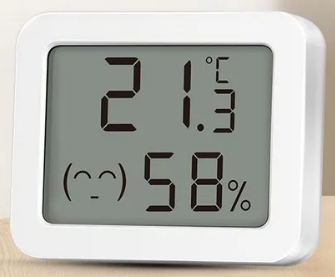
Example appearance of a Zigbee temperature and humidity sensor with a display
Example appearance: generic models use different enclosures and model IDs.
Verified GrowerHub

Zigbee 3.0 LCD TH

Temperature and Humidity with LCD Screen

An accessible sensor that shows values locally and sends them to Zigbee2MQTT.

  • The screen makes it easy to compare local readings with the dashboard
  • In the product card, select the option Zigbee 3.0
  • The actual model ID GrowerHub will show after connection
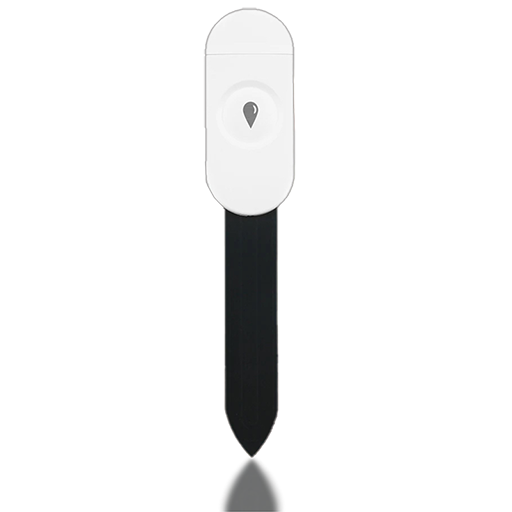
Example appearance of a combined Zigbee soil sensor
Example appearance: available metrics depend on the exact revision.
Practical extension

Zigbee 3-in-1 soil sensor

Soil moisture, temperature and humidity

One Zigbee sensor provides several indicators for a pot, bed or greenhouse zone at once and does not require a separate cloud application.

  • Convenient as the next step after the air sensor
  • The set of indicators depends on the specific revision
  • For automatic watering, first compare the readings with a manual soil test
SONOFF SNZB-02P
Model image from the open Zigbee2MQTT documentation.
Branded option

SONOFF SNZB-02P

Temperature and humidity

Compact battery sensor for basic climate monitoring.

  • Model support is described in Zigbee2MQTT
  • The compact housing is convenient to place inside the area
SONOFF SNZB-02D
Model image from the open Zigbee2MQTT documentation.
Branded option

SONOFF SNZB-02D

Temperature and humidity with screen

Shows values locally and passes them to Zigbee2MQTT.

  • The screen is convenient for on-site inspection
  • Model support is described in Zigbee2MQTT
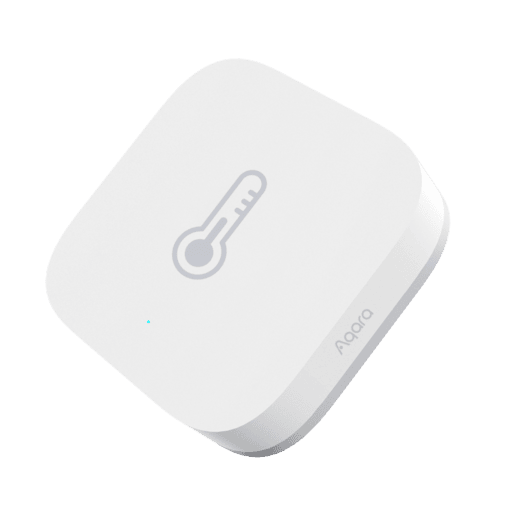
Aqara WSDCGQ11LM
Model image from the open Zigbee2MQTT documentation.
Branded option

Aqara WSDCGQ11LM

Temperature, humidity and pressure

The compact Aqara sensor transmits temperature, humidity and atmospheric pressure.

  • Model support is described in Zigbee2MQTT
  • Good option for compact placement
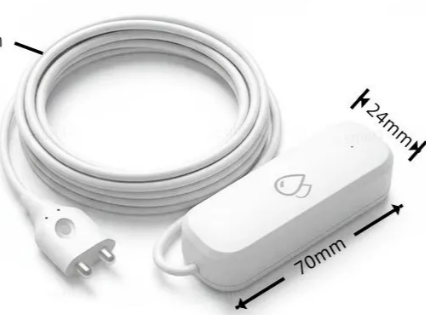
Aqara SJCGQ11LM
Model image from the open Zigbee2MQTT documentation.
Useful extension

Aqara SJCGQ11LM

Water leakage sensor

Helps you notice water on the floor near the tank, pump, or sprinkler connections.

  • Reports leak status and battery charge
  • Place at the lowest point of possible leakage

Wi-Fi sensors

Most retail Wi-Fi sensors from Tuya and similar ecosystems depend on the manufacturer's cloud and do not let you configure GrowerHub MQTT. Suitable exceptions are devices with open local MQTT configuration and GrowerHub hardware.

Start with compatible equipment

Connect a coordinator and one Zigbee sensor first. You can add more devices later.